
Playbook organized in categories.
When you create new play or drill, select its name and its category.
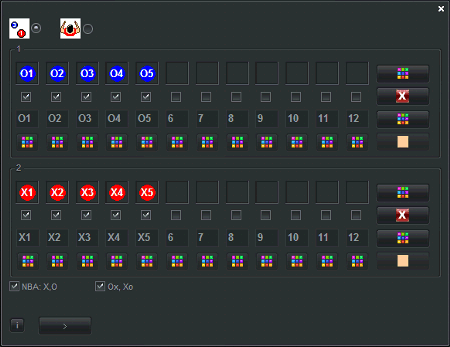
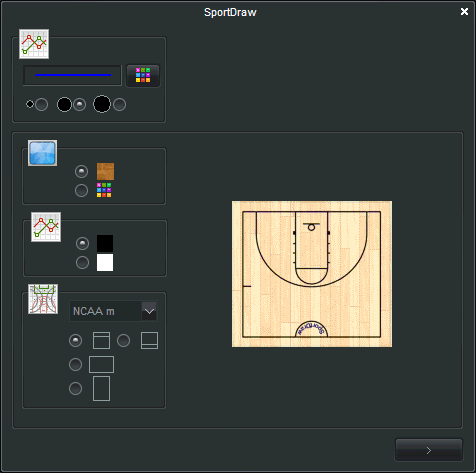
Then, select and customize court and title and headlines. for basketball: NBA, NCAA men, NCAA women,FIBA, half-court or full-court with various backgrounds. Similar for all other sports. Later with one click get this screen to adjust/change.
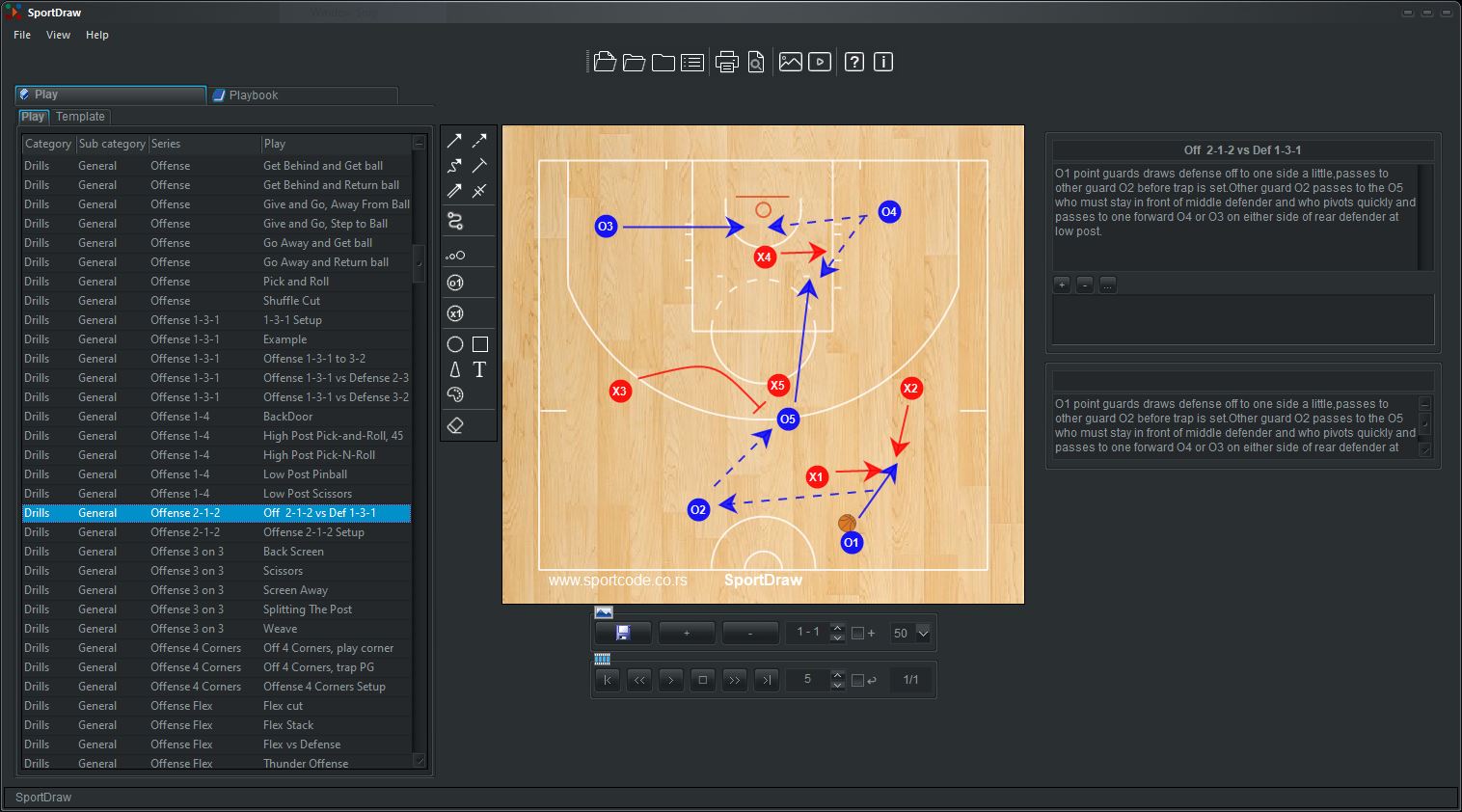
EASY and fast draw play and drill and writes it's notes, frame by frame to get animation. Place the players on the court, draw some arrows, etc. Notice the drawing tools on the left. Click the "New" button to create new frames, then just reposition the players and ball in each frame, and SportDraw will automatically animate it for you. Use curved checkbox to create curved lines or movement for player and ball. Click the "Notes" button to describe frame or type Notes, Title, Headlines in their fields. Press button Compact above Notes icon to switch between view modes. Animation toolbox is under picture, also.
Click on movie icon in toolbar or File/Export menu to Get MP4 or FLV DVD MPEG WMV video or other movie (VCD/SVCD/Avi/Divx/mpeg1/mpeg2) from animated drill/play with 1 click. Preset for any ipad/iphone/android phone/tablet. Get web page report of drills plays diagrams. Send movie or report to email recepient.
File/Settings menu to select Language, Skins, Automatic Update. Options: 29 major language is supported. Skin is used to select color scheme. From Options select logo picture for report, logo text for main drill picture(many coaches ASK for this feature!!!) and turn on/off back screen and sound scIntro.wav.
When you make order then you will receive email with all conformation details. After receiving shipping from us by email or download link and when you install our software, then it will requires license key and registration by internet.
File/Help menu/Remove License is used when you change computer or windows OS reinstall.
How to create an animated drill in SportDraw
How to get MP4 video from created animated drill in SportDraw
Watch our YouTube channel for FREE video tutorial about our software